



For the love of film.
Less searching.
More movie nights.
Find your next obsession. Keep your watchlist close.
Bring your own media, and make yourself at home.
Android & Fire TV · Free access
Apple release in preparation
Meet Torve
Good stories.
One place to
find them.
A passing recommendation. A familiar favorite. Something completely unexpected.
Something worth watching.
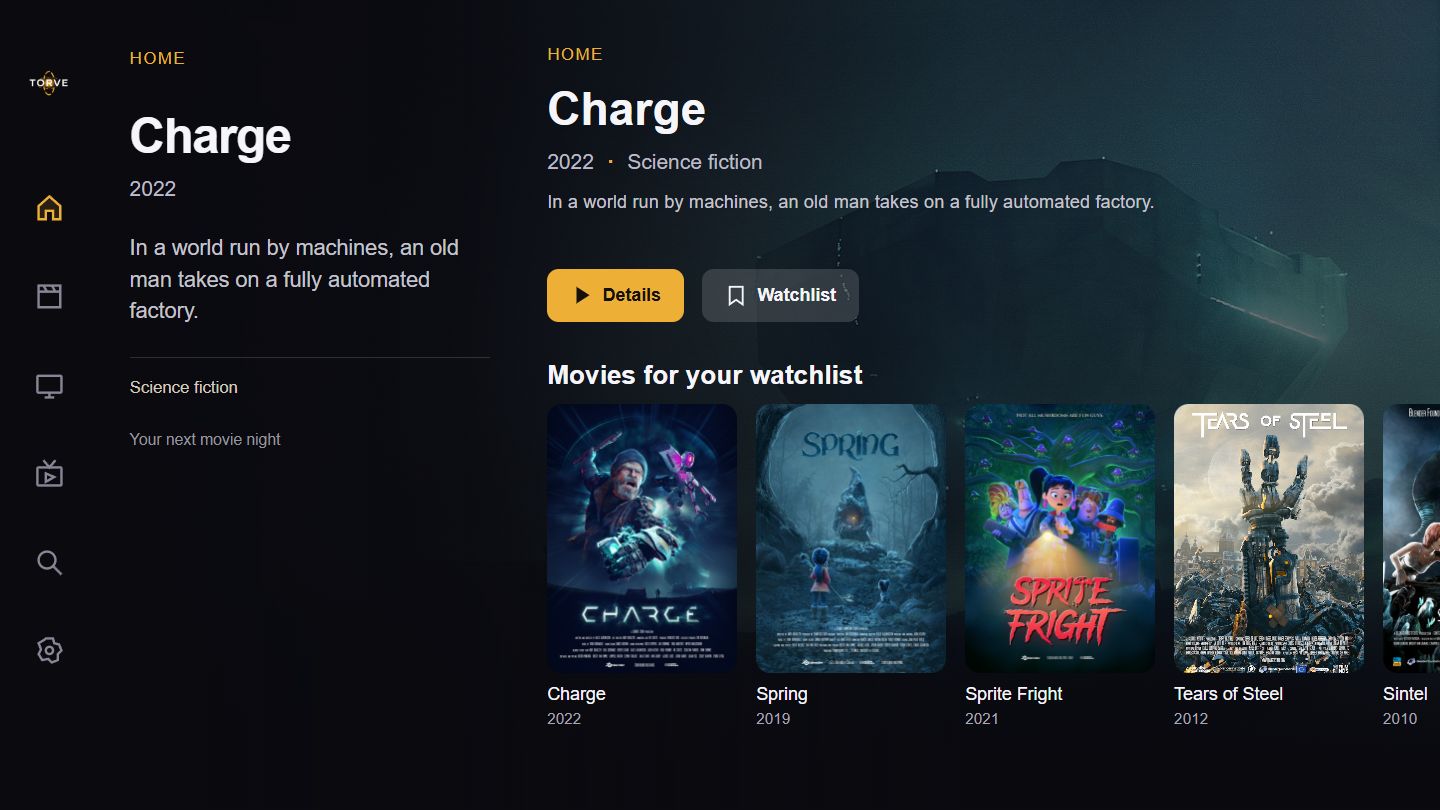
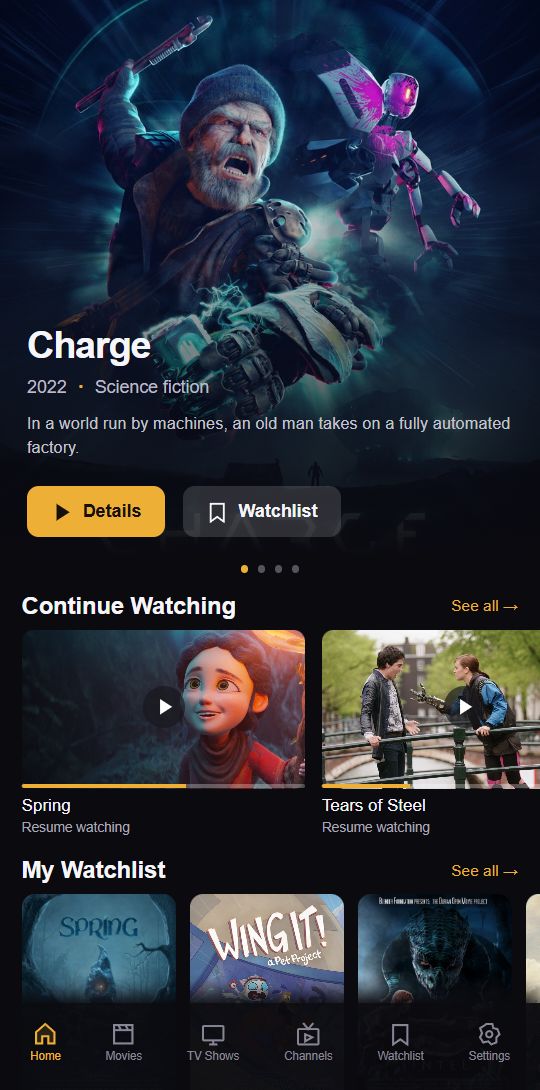
Explore movies, shows, and title details. Find the next pick for your watchlist.
Keep the good ones close.
Save your picks and sync supported watch state with your Torve account.
Start with a feeling.
Describe your next watch with AI-assisted search on supported builds. Requires a configured provider.
Make a night of it.
Explore with your remote on Android TV and Fire TV. Apple TV is in preparation.


Make it yours
The next one.
And the one
after that.
A film a friend mentioned. A series you keep meaning to start. Give them a home in your watchlist, ready for the moment you are.
Create your Torve accountFrom your hand to your living room
Find your Torve.
Phone. Remote. Play.
Get Torve for Android phones and Google TV on Google Play, or install the Fire TV APK. Android and Fire TV access remain free.
Bring your own lawful media sources. A Windows download is also available.
Torve, in your hands.
The Apple release is in preparation. Browse the catalog without a subscription. Source setup and playback require monthly auto-renewable Premium and a Torve account.
One subscription across your Apple devices, with the associated Torve account.
Read subscription detailsMade for the living room.
The native Apple TV release is in preparation. Browse the catalog without a subscription; source setup and playback will require monthly auto-renewable Torve Premium and a Torve account.
One subscription across your Apple devices, with the associated Torve account. Connected services may charge separately.
Read subscription detailsDoes Torve include movies or TV channels?
No. Torve helps you discover and organize titles and connect your own sources. It does not supply media, playlists, content subscriptions, or viewing rights. Use only services and media you are authorized to access.
How will Apple Premium work?
For the upcoming Apple release, browsing the catalog will be available without a subscription. Setting up sources and playing media will require a monthly auto-renewable Premium subscription and a Torve account. Restore purchases using the Torve account associated with your subscription. Manage or cancel billing in Apple subscription settings. Third-party service charges are separate.
What happens to my account and data?
Your Torve account connects supported watch state and device settings. You can export supported account data or delete your account. Deleting a Torve account does not cancel Apple billing. See our privacy policy and account deletion page for details.